
Quick answer: Create an original companion by defining appearance, age, voice, personality, and background, then review the previews before finalizing. The current rules prohibit likenesses of real people and require adult characters. Review every preview before saving.
Start from Custom Characters and plan the identity first
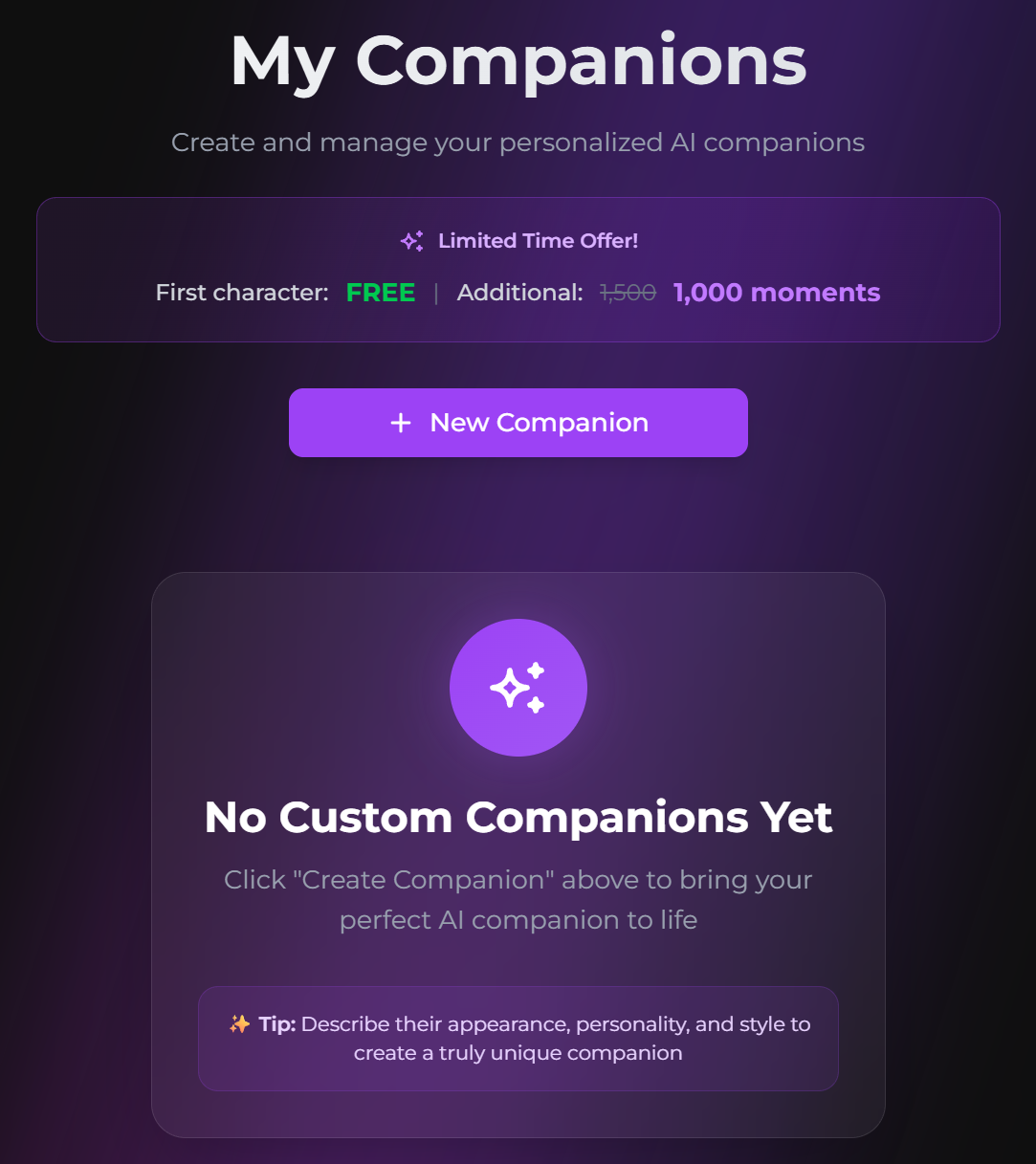
- Open Custom Characters.
- Select Create New Character.
- Configure appearance and basic information.
- Write personality and background.
- Review the previews and selected voice.
- Finalize, then run a short chat and image test.
Before opening the flow, write one sentence for appearance, three core traits, one background sentence, and one interaction rule. This reduces drift between the visual and personality steps.
AI Video Gallery
A preview of selected portrait videos and AI character images.
Build an original adult appearance
The official guide currently allows an age from 18 to 99 and warns that attempts to create a character below 18 can lead to account action. It also prohibits characters based on real people, including celebrities, influencers, public figures, and private individuals.
Write personality as observable behavior
Describe tone, values, habits, goals, and background in language that can guide a reply. Avoid unexplained contradictions. Include observable behavior, such as how the character responds to disagreement or unfamiliar people, rather than relying only on broad adjectives. Test the companion with several ordinary questions before sharing or investing in a long storyline.
Review current cost and editing limits before finalizing
At the time of checking, the official page says the first custom character is free and additional characters cost 500 Moments. It also says current character personality and appearance cannot be edited after creation; recreating the character is required. Verify the live interface because access and cost can change.
Choose private, shared, or public access carefully
Private characters are available only to you. Sharing can provide access through a link, and the official guide warns that sharing may become irreversible after another user starts a conversation. Public status requires review by the Secrets AI team.
Enable Advanced images only after the base character is stable
Advanced and group image generation require additional identity setup. Use the Advanced-image setup for a custom character after appearance and personality are satisfactory. Use the Persona setup for defining the user’s identity and the saved-memory workflow for facts learned in chat; these controls solve different continuity problems.
SecretOpedia’s Secrets AI custom-character resources connect creation, identity, and images. The Secrets AI review covering custom characters and Moments costs provides wider context. If the completed companion does not resemble the selected preview or creation fails, follow the checks for a custom character that does not match its preview.
Use the preview stage as a real approval step. Reject an appearance that conflicts with the planned age, body type, style, or identity instead of assuming it can be corrected after finalization. The current FAQ makes recreation the relevant path when core appearance or personality is wrong.
After saving, run one neutral conversation, one identity question, and one simple image request. This small validation checks whether visual design and written personality work together before the character is shared or additional Moments are spent.
After the character is tested, use the profile-visibility workflow for deciding whether a public character and selected media should be discoverable.
Sources checked 2026-07-12: Custom Characters, Image Generation, Moments & Payments.
