

Quick answer: Select Advanced mode in Generate, write a natural scene description, choose ratio and resolution, and confirm the displayed Moments cost. Use it when instruction adherence and character identity matter more than a fast conversational image.
Use Advanced mode for a specific reason
Advanced mode is most useful when face, hair, skin tone, body type, clothing, pose, or a complex composition must remain more consistent. For a simple in-chat image, the standard path may be sufficient and easier to evaluate.
AI Video Gallery
A preview of selected portrait videos and AI character images.
Write one natural, observable scene
Describe where the scene occurs, what the companion is wearing, the pose and camera angle, lighting, time of day, and mood. Keep identity instructions stable while changing only one scene variable between attempts. This makes a failed result easier to diagnose.
Choose ratio, resolution, and cost together
The current guide lists 1:1, 16:9, 9:16, 4:3, and 3:4 ratios, with 2K and 4K resolution. At the time of checking, Advanced 2K is listed at 50 Moments and 4K at 100 Moments. Verify the live total before confirming because pricing and available settings can change.
Complete the custom-character identity setup when required
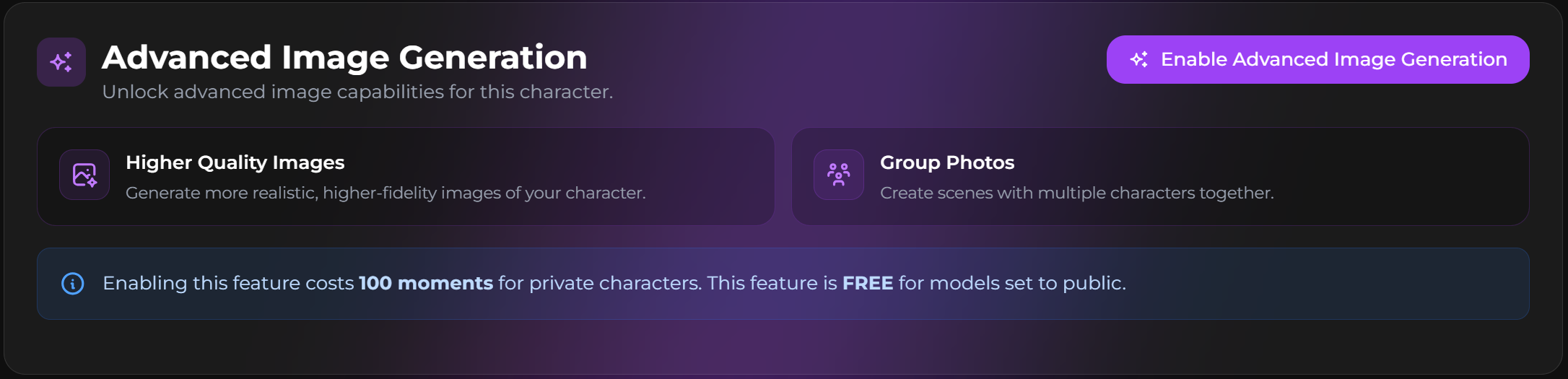
Complete the original-character appearance, personality, and privacy setup before configuring its Advanced image identity. The official Advanced workflow generates four options and asks you to select the strongest identity reference. The guide recommends a clear, straight-on, full-body result. At the time of checking, enabling Advanced images is listed as free for public custom characters and 100 Moments for private custom characters; regenerating the identity picture is also listed at 100 Moments. Verify the live confirmation before continuing.
Regenerate with one controlled change
Keep the same character and core identity while changing one detail such as clothing, setting, framing, or lighting. If most of an output is useful, continue with the workflow for changing one detail in an existing image rather than rebuilding the entire scene. Return to the standard image-generation and cost-planning workflow when Advanced mode is not needed.
SecretOpedia’s Secrets AI Advanced image resources connect image, editing, and video workflows. The Secrets AI review covering Advanced image quality and Moments costs gives wider value context. If the face changes across outputs, follow the checks for deformed details or identity drift between images.
Validate the identity reference with a simple scene before testing complex clothing, multiple people, or difficult poses. If the face already drifts in a neutral portrait, adding more scene variables will make the cause harder to isolate.
Keep a small record of the description, ratio, resolution, and result you accepted. Reusing a stable baseline makes later comparisons more meaningful and prevents several expensive retries from testing different variables at once.
Use 2K for the first identity and composition test unless the higher resolution is essential to the decision. Moving to 4K before the scene is stable can double the current generation cost without answering whether the underlying description works.
Sources checked 2026-07-12: Image Generation, Moments & Payments.
