
Quick answer: A Persona defines who you are before a conversation begins. Create a concise identity, select it for the intended chat, and keep learned events in memory instead of duplicating the entire profile there.
Confirm current access before building the workflow
At the time of checking, the official tiers page lists Personas as an Ultimate feature. Verify the active plan and current interface before assuming the control is available. A missing Persona menu on another tier may be expected access behavior rather than a loading problem.
AI Video Gallery
A preview of selected portrait videos and AI character images.
Create the Persona from the dedicated page
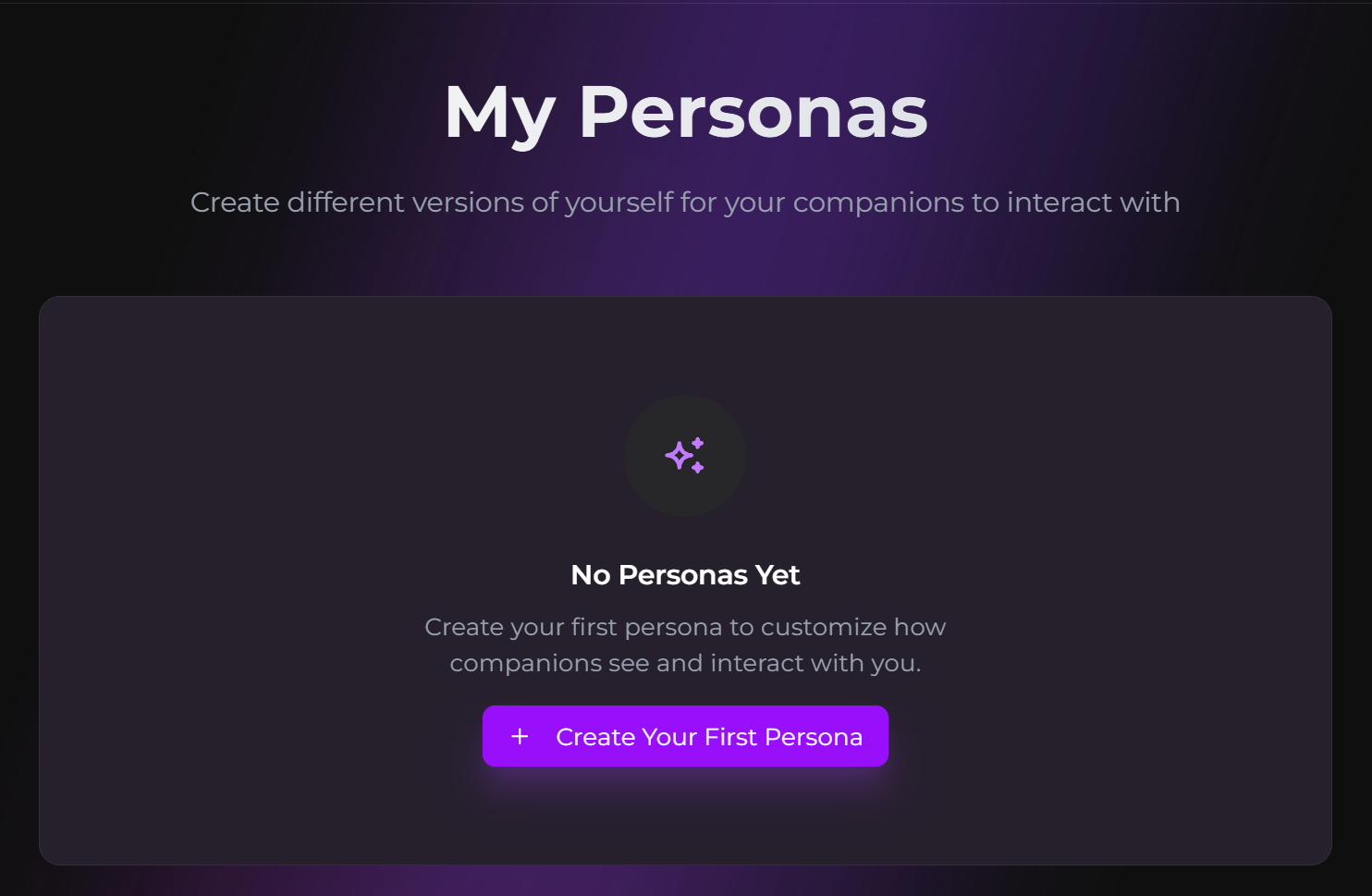
- Open the Personas page.
- Create a new Persona.
- Enter the name companions should use.
- Add a short About Me description.
- Save the identity, then select it in the target chat.
Write profile facts that change the interaction
Include stable details such as role, background, communication preferences, relationship framing, and boundaries. Avoid a long autobiography containing temporary scene details. A concise profile is easier to distinguish from facts learned during the conversation.
If you add a Persona avatar, the current official page says the first generation is free and later avatar generations use Moments. Check the live confirmation because pricing can change.
Keep Persona and memory in separate roles
Persona is baseline user identity. Memory stores important information learned in chat. A companion can still save an event involving your Persona, but the whole Persona profile should not be copied into several memory entries. Use the Memory-panel workflow for reviewing saved facts to check information stored separately from the active Persona.
Select the correct Persona for each storyline
Check the active Persona before starting a private, alternate, or group conversation. Use the separate-storyline and memory-scope workflow when two storylines need different identities or relationships. Test the name, pronouns, and one preference before building a long thread.
SecretOpedia’s Secrets AI Persona and identity resources connect Personas with memory and chat. The Secrets AI review covering Persona access and personalization provides wider plan and value context. If the selected identity is ignored or the wrong name appears, follow the checks for a selected Persona that is not applied or the checks for the wrong name or pronouns in companion replies.
Create a short test conversation after selecting the Persona. Ask the companion to address you naturally, then introduce a situation where one profile preference should matter. Correct the profile itself when the baseline identity is wrong; use memory only for facts learned during the interaction.
When several Personas exist, use names that make their purpose obvious and check the active selection before each new storyline. A work identity, roleplay identity, and private identity may need different profile details even when they belong to the same account.
The current Persona documentation says Personas do not affect generated images. They provide conversational context for the user identity; image generation uses its own companion, scene, and media controls.
Sources checked 2026-07-12: Personas, Subscription Tiers & Limits, Memory System, Multiple Chats.
