
Quick answer: Begin with one companion and one private chat. Confirm the account, set the response format and content intensity, then test memory and paid media separately. A small baseline makes later quality or billing problems easier to identify.
Start from the official service and verify the account
Use secrets.ai. The current documentation describes Secrets AI as a web service rather than an official Apple App Store or Google Play app. You can install Secrets AI from a supported browser after confirming that it works in the browser.
Sign in, open User Settings, and check the account email. Keep that identity consistent when reviewing subscription status, Moments, saved chats, or a support response.
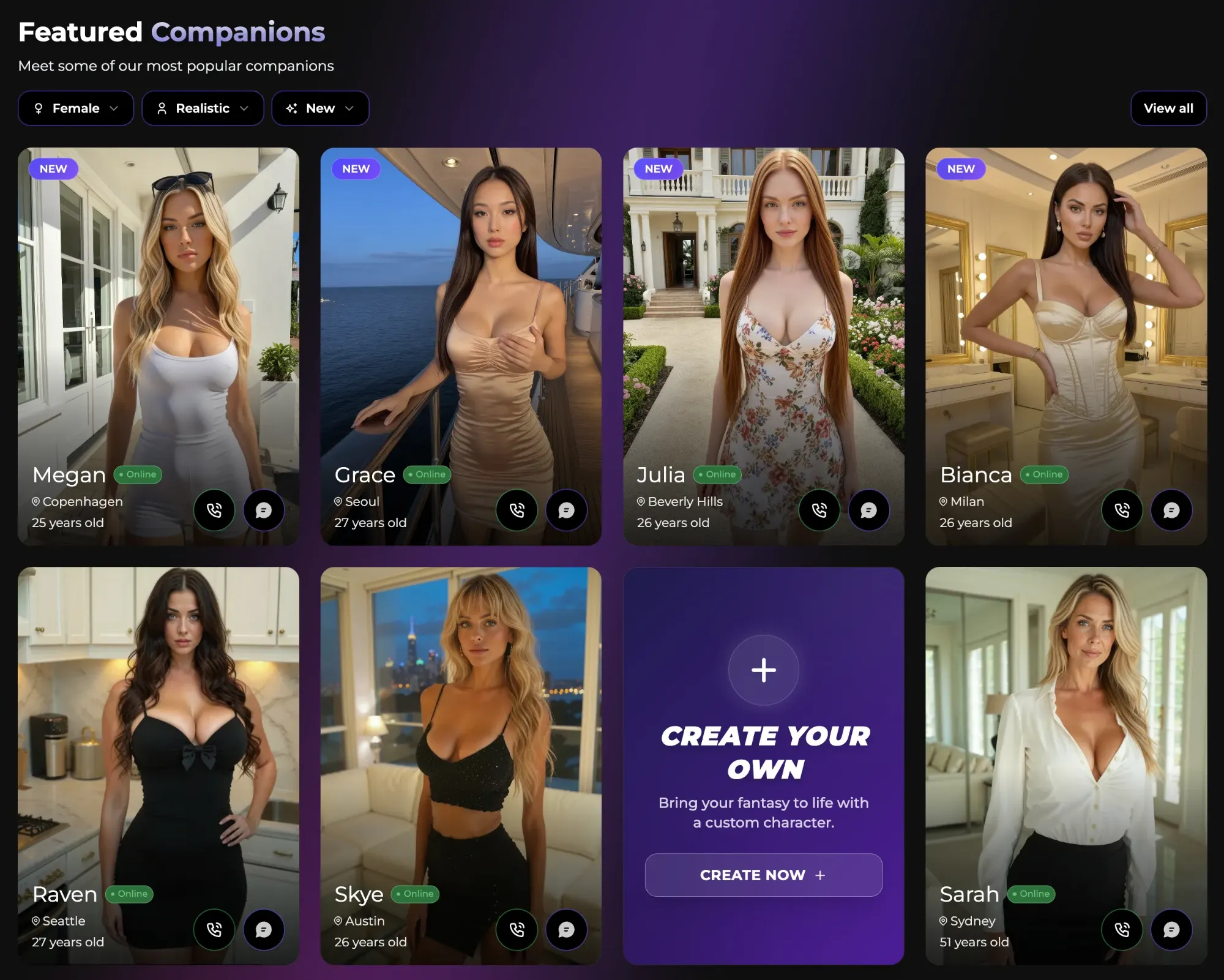
AI Video Gallery
A preview of selected portrait videos and AI character images.
Create one clean conversation baseline
- Select one companion whose description fits the intended interaction.
- Start a private chat rather than a group conversation.
- Send a simple introduction and one clear request.
- Check the language, response length, tone, and companion identity.
Avoid opening several storylines or memory scopes immediately. When only one chat exists, a later change is easier to connect to the setting that caused it.
Set response format and content intensity separately
SMS mode sends several shorter messages, while Paragraph mode returns one fuller response. Spice Level controls the current content intensity through the labels shown in the interface, such as Mild, Medium, and Spicy. These are separate controls: changing reply format does not by itself make the conversation more or less explicit.
Use the SMS and Paragraph reply-length comparison to choose a format. Use the roleplay, OOC, Spice Level, and message-editing workflow for the remaining chat controls.
Add memory and Persona only when they solve a real need
Chat naturally before storing many profile facts. When a lasting detail matters, open the Memory panel and confirm that it was actually saved. The Secrets AI memory-saving and recall workflow explains Smart Mode, importance, and per-companion scope.
A Persona defines who you are before the conversation begins. At the time of checking, the official tiers page lists Personas as an Ultimate feature, so do not build the basic setup around Persona access unless the current plan includes it. Memory and Persona are related but not interchangeable.
Test paid media with one controlled action
Images, video, audio calls, and additional custom-character actions can use Moments. Start with one low-complexity request, check the visible cost, and inspect the result before trying edits, higher resolution, audio, or repeated generations. How monthly Moments grants differ from purchased top-ups explains the two balance types.
For the full tutorial map, use SecretOpedia’s Secrets AI beginner resource hub. For plan, privacy, feature, and suitability context, read the Secrets AI review covering plans, privacy, and feature value.
Move to troubleshooting when the intended workflow fails
A guide explains how a feature is supposed to be used. When the site will not load, a message will not send, a memory does not save, or a paid action completes incorrectly, stop changing unrelated settings and follow the checks for a site-wide Secrets AI loading or access failure. Record the account, browser, exact action, time, and any Moments change before retrying.
Before creating several chats, set the account defaults with the settings workflow for identity, discovery filters, new-chat behavior, and records. For the live conversation controls, use the comparison of chat mode, Spice Level, and reply style as separate decisions.
Sources checked 2026-07-12: Official Quickstart, Chat Features, Memory System, Subscription Tiers & Limits, Tips & Tricks.
