

Quick answer: Use User Settings to verify account identity, review subscription and Moments records, set defaults for future chats, choose browsing and audio preferences, manage archived conversations, and keep permanent account actions separate from ordinary configuration.
Verify the account before changing preferences
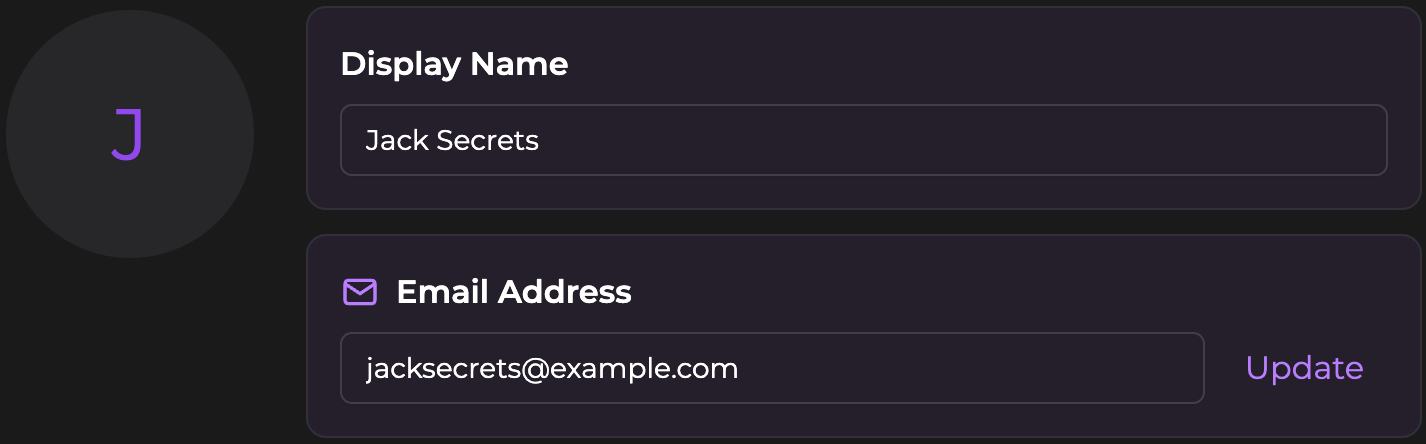
Start with the display name and account email. The display name affects how companions address you, while the email identifies the account used for login, subscription status, saved conversations, and support. Record the active email before investigating a missing plan or balance.
AI Video Gallery
A preview of selected portrait videos and AI character images.
Set discovery preferences without changing existing characters
Gender and style preferences filter which companions appear by default on Home and Browse. Current options include Female, Male, or Any for gender and Realistic, Anime, or Any for style. These filters affect discovery; they do not edit a companion or custom character already created.
Choose Any when exploring the full catalog. Use a narrower filter only when it reduces irrelevant browsing results.
Configure defaults for new conversations
User Settings can define the default chat mode, reply style, and companion message limit for new chats. The current page lists SMS or Paragraph for reply style and 5, 10, or the highest available option for companion messages per response. Availability and labels can vary by plan or interface revision.
Use the decision process for chat mode and Mild, Medium, or Spicy intensity before changing the mode default. Use the comparison of SMS-style message sequences and one Paragraph reply before changing response formatting.
Configure audio, notifications, and tutorials
Audio-call language sets the default language for voice replies. Confirm it before starting a paid call, especially when the written conversation uses more than one language. The audio-call permission, transcript, and cost workflow explains the remaining call setup.
Email notifications control product updates and alerts. Reset Tutorials re-enables walkthroughs and tooltips when a feature has changed or onboarding was dismissed too early.
Use management sections for records, not guesses
The subscription section shows the plan, renewal date, and status. Moments history records purchases and usage. The workflow for separating monthly grants, purchased top-ups, and feature spending explains how to interpret balance changes.
Archived Chats is where previously archived conversations can be restored. Use the exact restore workflow for returning a conversation to Messages rather than assuming an archived chat was deleted.
Keep permanent account actions separate
Delete Account is described as permanent and cannot be undone. It is not a normal settings reset and it is not the same as changing a preference, archiving a chat, removing a browser shortcut, or cancelling renewal. Follow the dedicated deletion guidance before using it.
If the Settings page shows the correct account but a settled subscription is still inactive, use the checks for a completed payment that is not reflected on the account.
SecretOpedia’s Secrets AI account-configuration resources connect settings with chat, calls, and billing records. The Secrets AI review covering account controls, plans, privacy, and usability provides broader context.
Sources checked 2026-07-12: User Settings, Chat Features, Moments & Payments.
